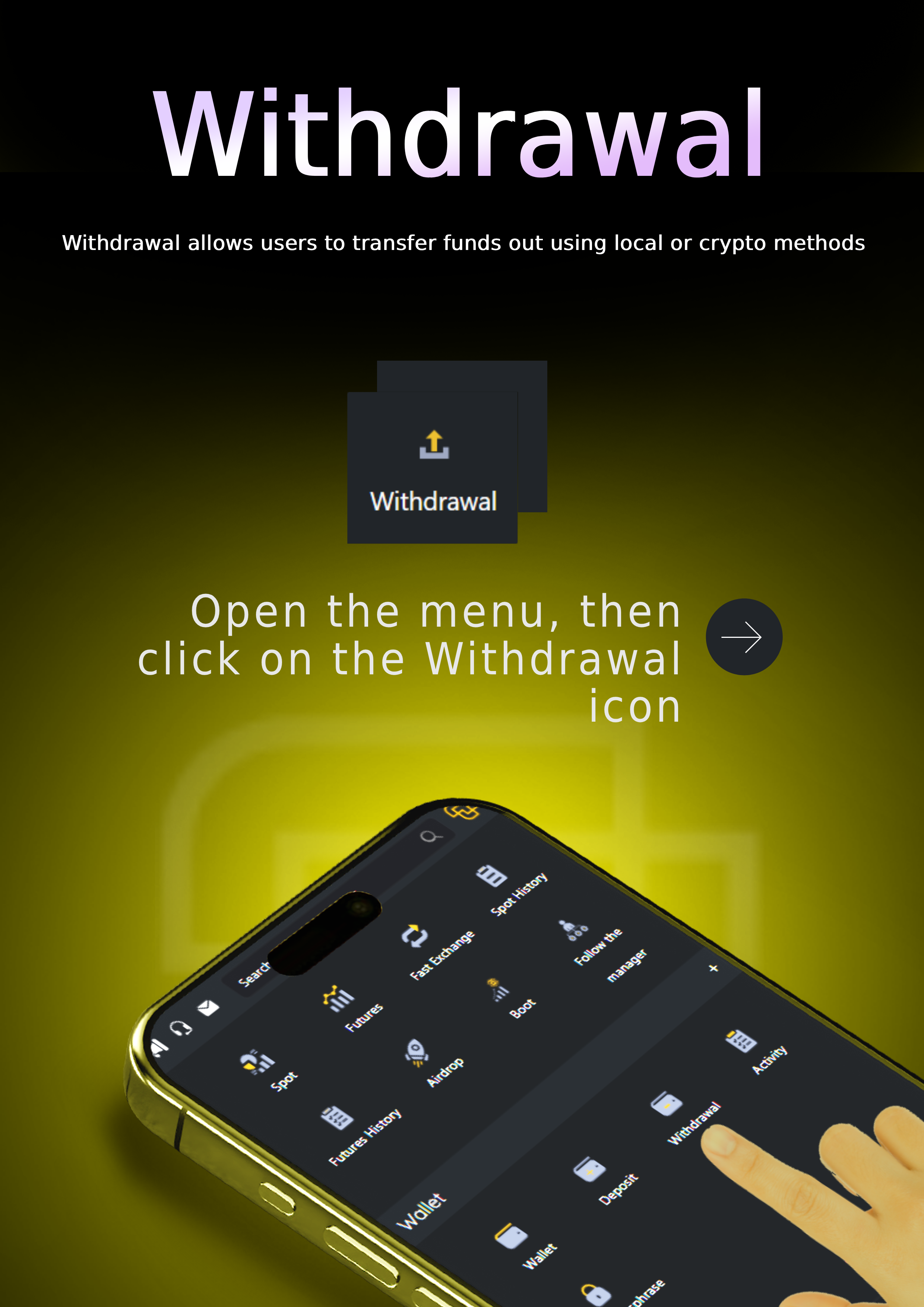
How to Withdraw Funds on TacCoin
To withdraw funds from your TacCoin account, follow these steps:
-
Log in to your TacCoin account.
Enter your registered email and password to access your dashboard. -
Navigate to the “Withdraw” section.
From the main menu, select Withdraw to see all available currencies. -
Choose the currency you want to withdraw.
Select the cryptocurrency or local currency you want to withdraw. -
Enter the withdrawal address.
Paste the external wallet address or bank account details where you want the funds sent. -
Specify the amount.
Enter the amount you wish to withdraw. Make sure it meets the minimum withdrawal limit. -
Confirm withdrawal and verify (if needed).
Some withdrawals may require email or 2FA verification. Confirm the transaction as prompted. -
Wait for processing.
Withdrawals are processed depending on the network or banking system. Cryptocurrency withdrawals require blockchain confirmations. -
Check your external wallet or bank account.
Once processed, the funds will appear in your selected destination.
Academy