How to Make a Deposit on TacCoin
To deposit funds into your TacCoin account, follow these simple steps:
-
Log in to your TacCoin account.
Use your registered email and password to access the dashboard. -
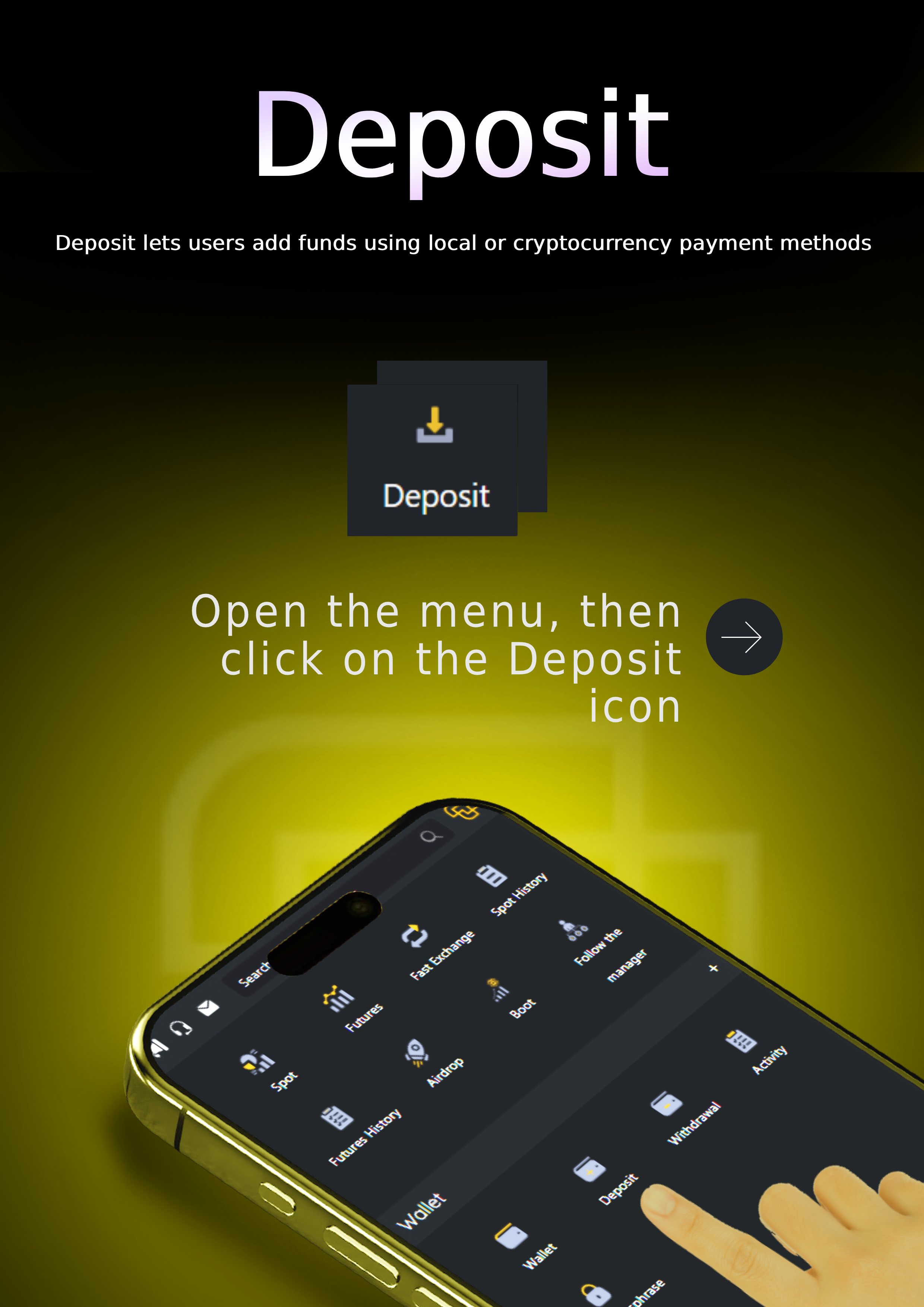
Navigate to the “Deposit” section.
From the main menu, select Deposit to view all available currencies. -
Choose the currency you want to deposit.
Select any supported cryptocurrency or local currency from the list. -
Select the network (for crypto deposits).
After choosing a cryptocurrency, choose the appropriate blockchain network (such as TRC20, ERC20, or others). -
Copy your deposit address.
The system will generate a unique deposit address for your account.
Copy the address carefully or scan the QR code. -
Send the funds to the displayed address.
Go to your external wallet or exchange and send the amount to the provided address. -
Wait for blockchain confirmations.
The deposit will be credited automatically once the required confirmations are completed. -
Check your balance.
After the deposit is processed, your updated balance will appear in your TacCoin wallet.
Academy